To access the Individual Insurance Account (efka.gov.gr)
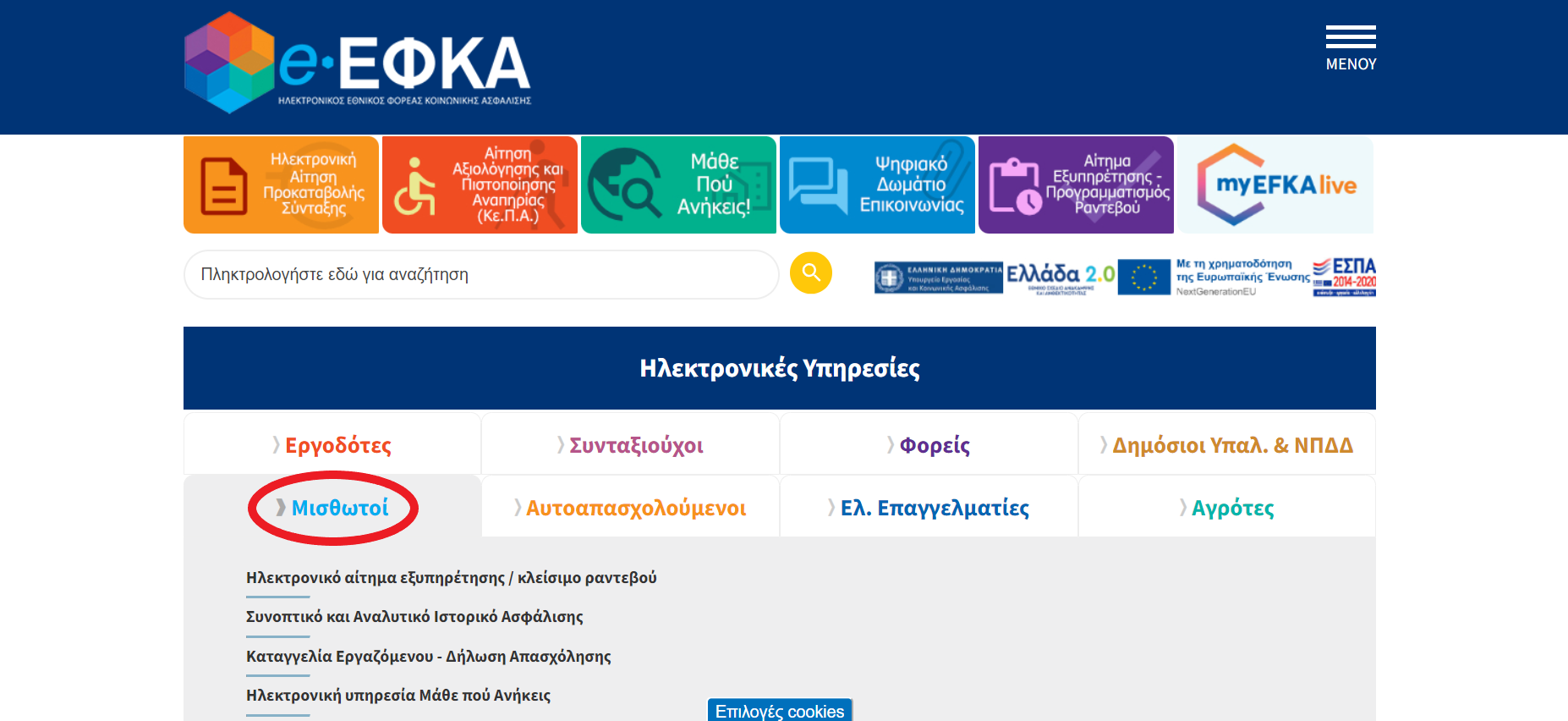
1. Go to efka.gov.gr
2. Click on “Μισθωτοι”
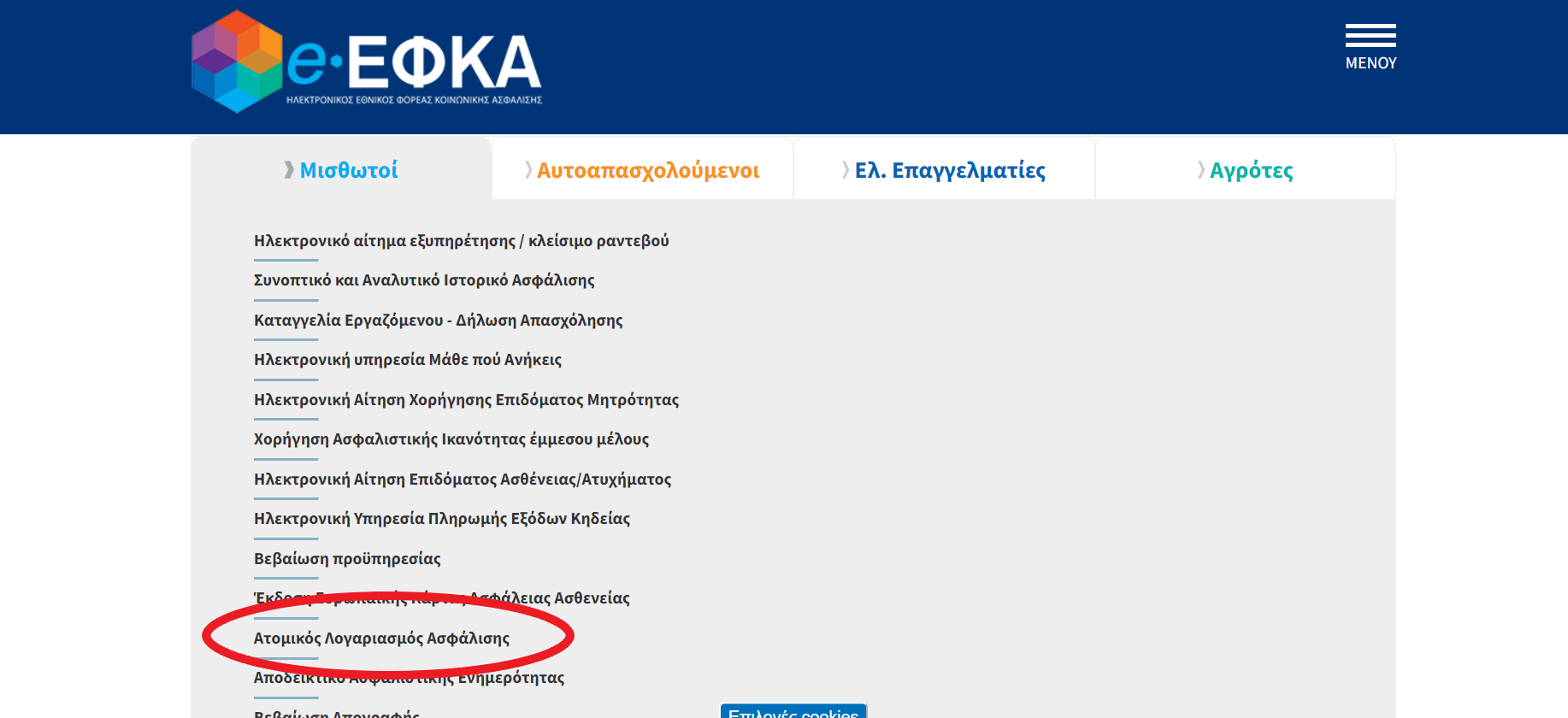
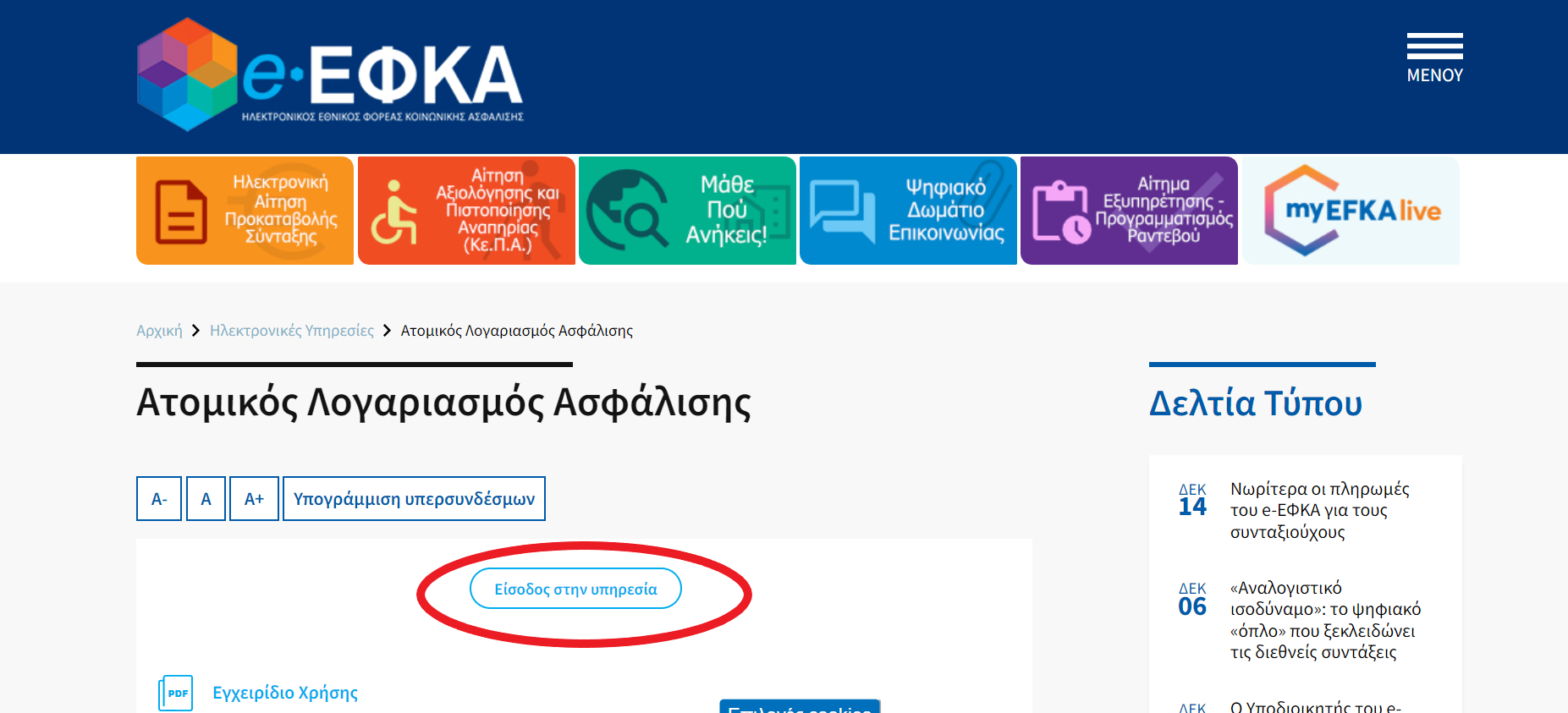
3. Click on “Ατομικος Λογαριασμος Ασφάλισης”
4. Login to the service
5. Continue with taxisnet
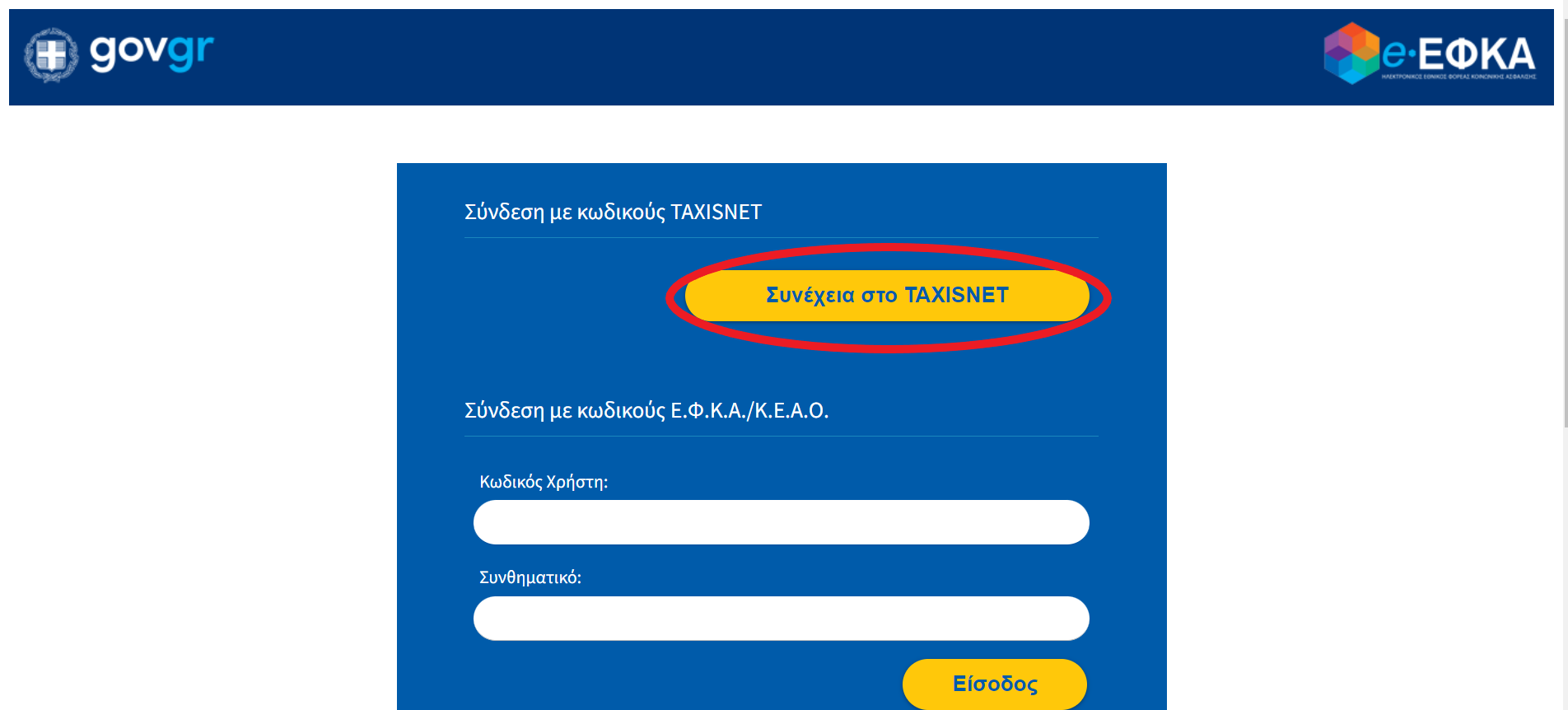
6. Here you will need your taxisnet codes, if you have a tax ID (ΑΦΜ), you can get the
taxisnet codes.
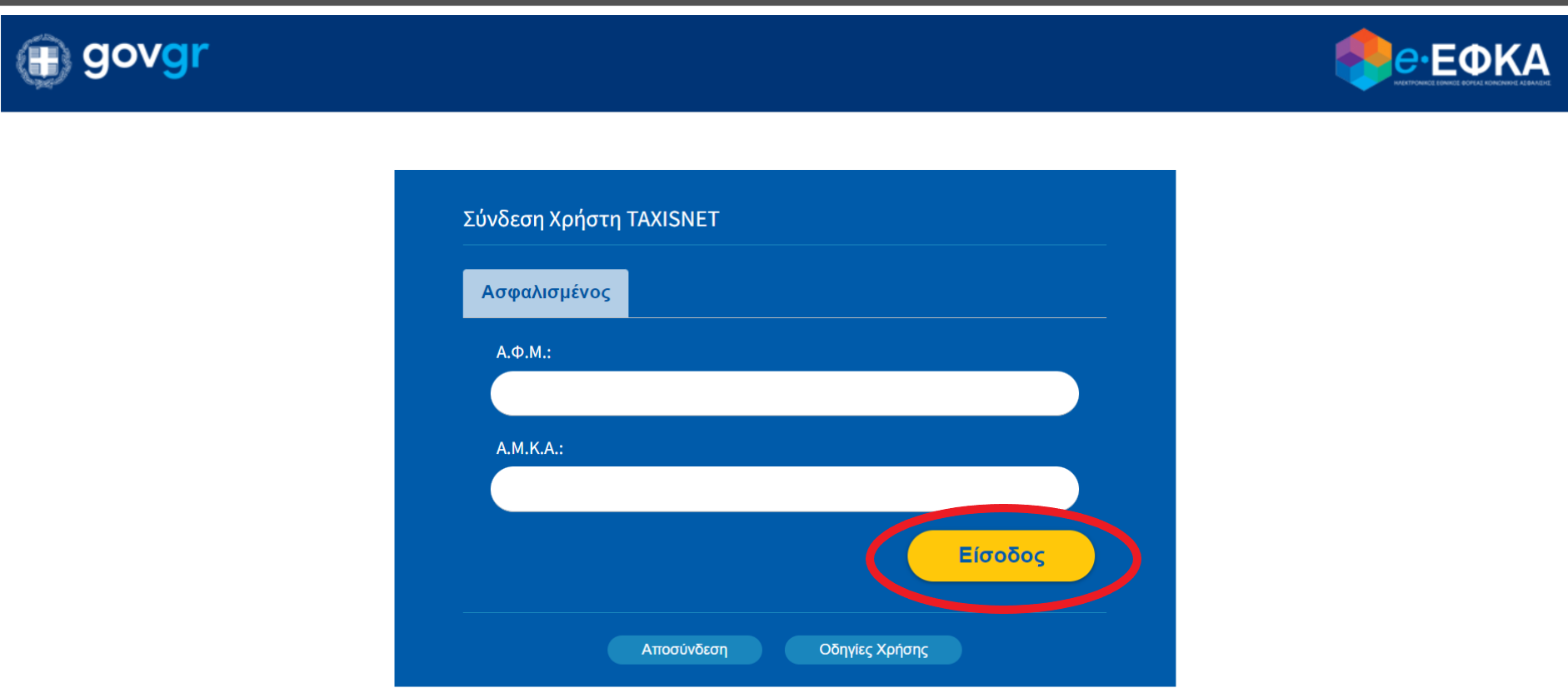
7. After that you will need your ΑΦΜ number and your AMKA. Fill them in and click on
“Login”
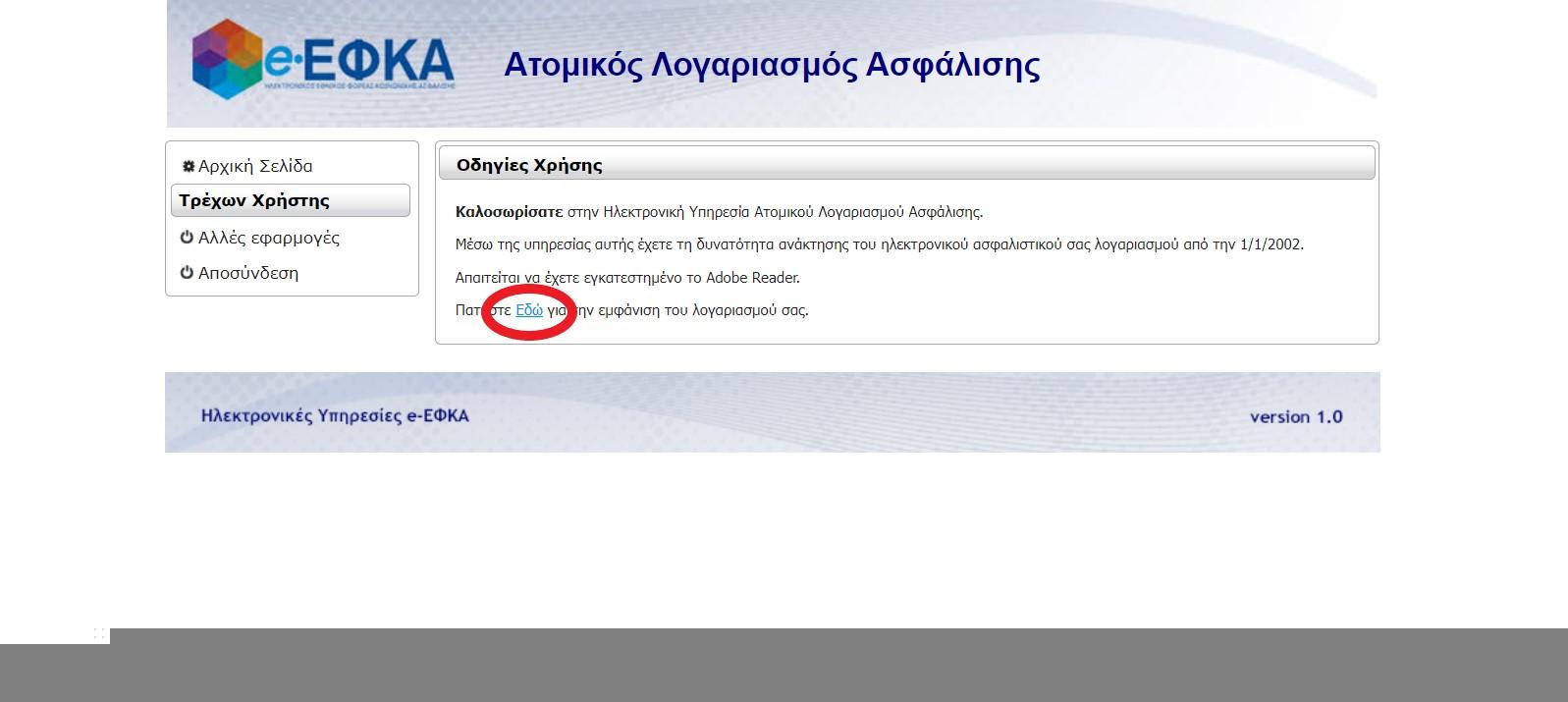
8. Click on the blue underlined word “Εδώ”
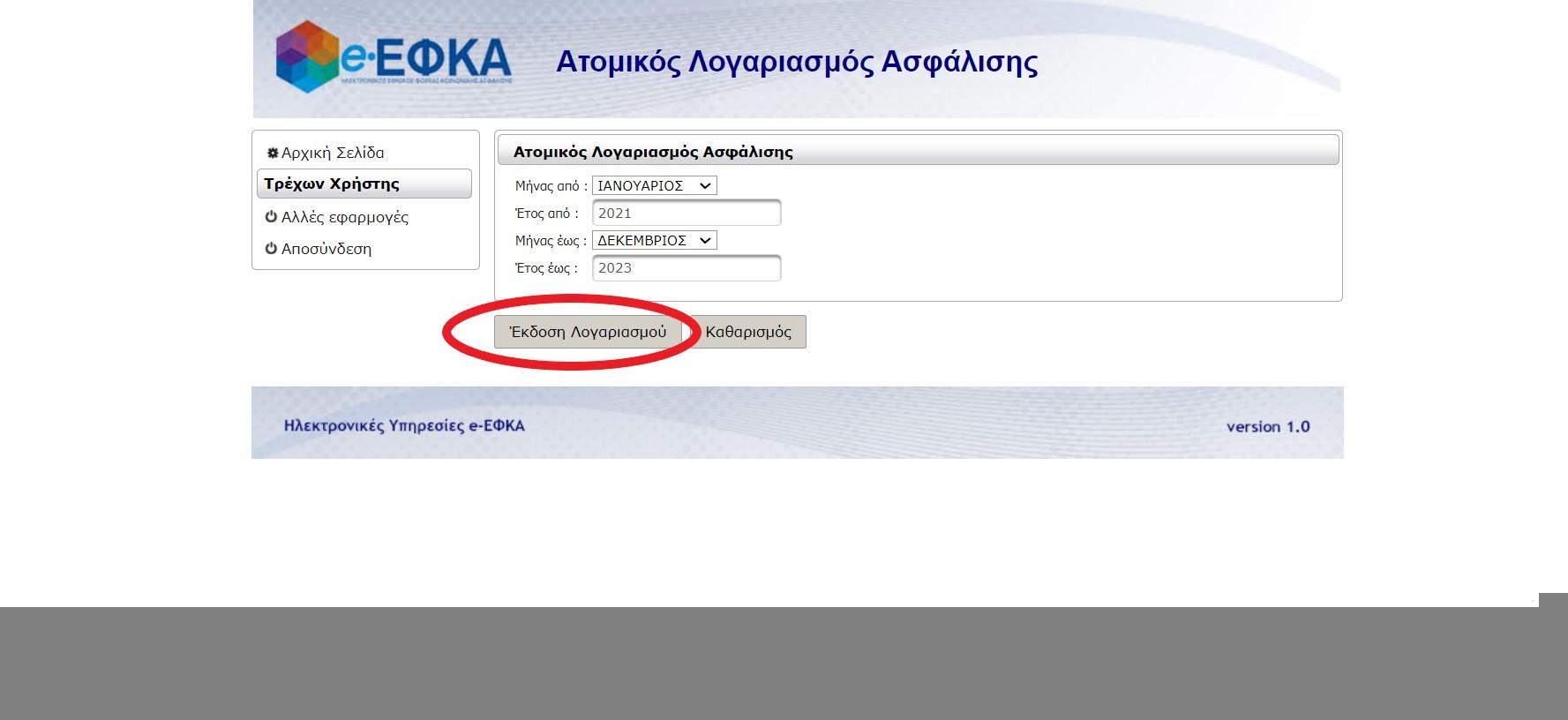
9. Choose the work period you want to see. Choose from one month/year, to
month/year. Then click on the “Εκδοση Λογαριασμού” button
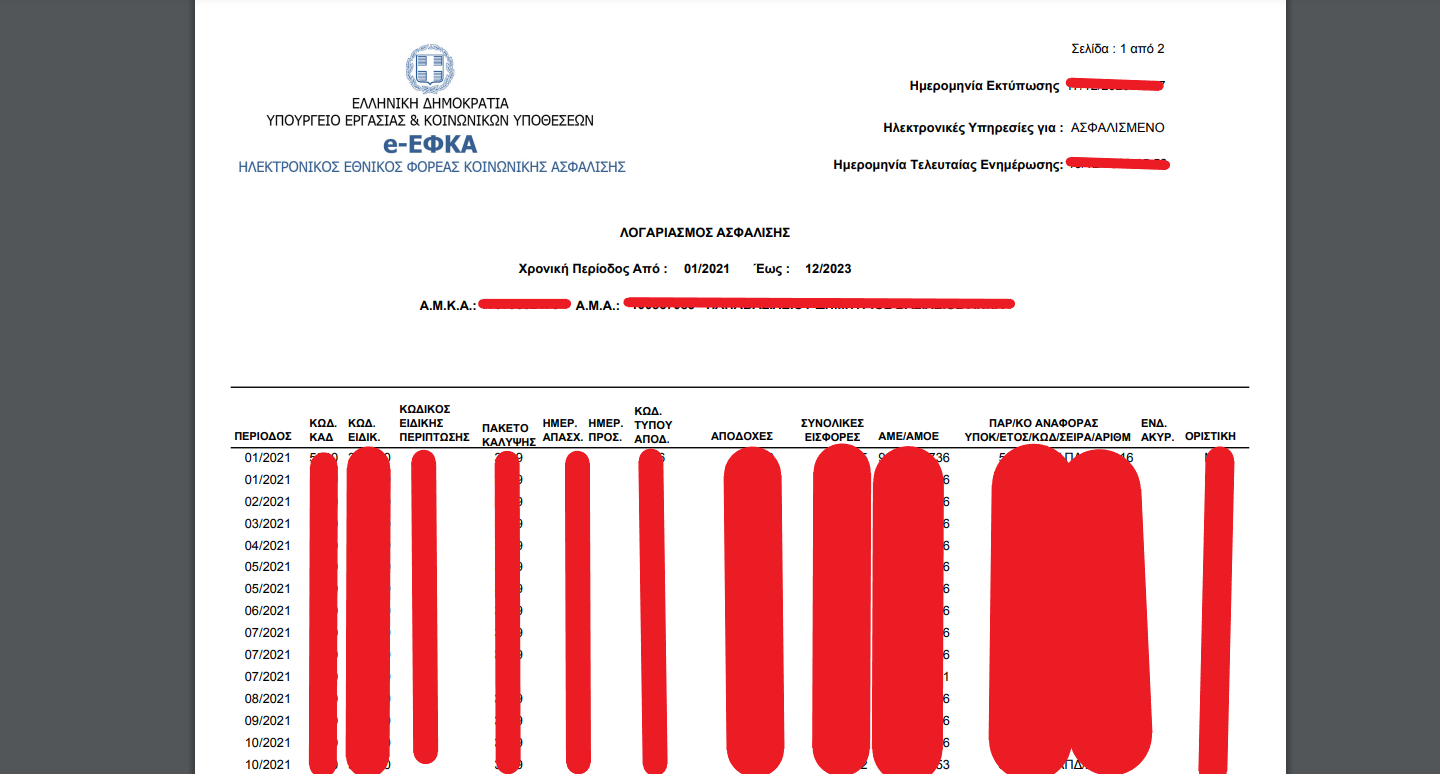
10. This is a detailed list of your declared earnings. In the first column from the left, the date (month/year) is shown. In the column that appears like this: ΗΜΕΡ. ΑΠΑΣΧ., shows
how many days the employer has declared that you worked this month.